
The initialization portion of the Starter Bot code
The initialization portion of the Starter Bot code


| Function Name | Description |
|---|---|
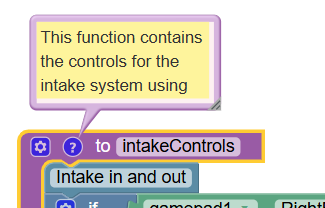
| intakeControls | This is the code used to control the Core Hex intake for the pollen. |
| pollenPoker | This is the code used to control the servo's position for poking pollen out of a flower |
| arcadeDrive | This is the code for driving the robot. Look here if you plan to change to Split Arcade, Mecanum, or Tank Drive |
| flywheelControls | This larger function contains the code for the flywheel system, including both manual controls and the auto sequence for launching pollen. |
 {% endhint %}
#### Telemetry
Telemetry allows us to receive information on the Driver Hub from the robot. The telemetry included provides a readout of the current velocity for the flywheel to help with troubleshooting and making adjustments to the code.
{% endhint %}
#### Telemetry
Telemetry allows us to receive information on the Driver Hub from the robot. The telemetry included provides a readout of the current velocity for the flywheel to help with troubleshooting and making adjustments to the code.
