> For the complete documentation index, see [llms.txt](https://docs.revrobotics.com/llms.txt). Markdown versions of documentation pages are available by appending `.md` to page URLs; this page is available as [Markdown](https://docs.revrobotics.com/rev-professional-development-technical-path/edp/about.md).
# What is the Engineering Design Process?
{% hint style="info" %}
The Engineering Design Process is introduced in Lesson 8 at the start of Unit 2 of the Intro to Robotics V2 curriculum.
{% endhint %}
The **Engineering Design Process** is one of the most fundamental concepts taught within Technology Education or Robotics classes.
While there are many versions that exist, most follow similar steps and flow with the goal of helping students think through solving a large process.
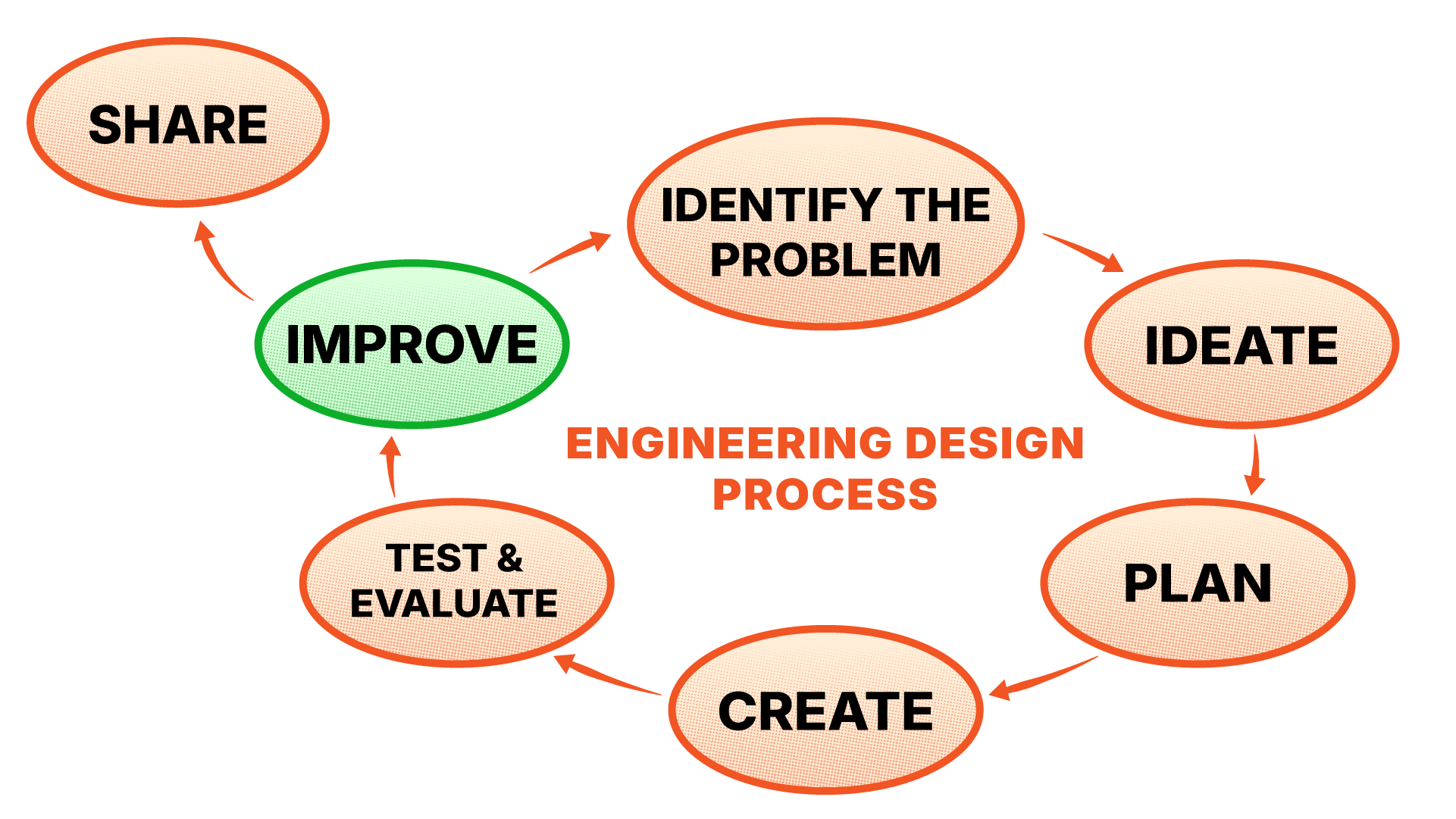
Below is the REV's Engineering Design Process from the Intro to Robotics V2 curriculum:
## Why Teach this Process?
Before looking at each steps, let's discuss why teaching the Engineering Design Process, in some form, matters.
Robotics often involves large, open-ended projects that can be hard to visualize with all the moving components (figuratively and physically). The goal of the Engineering Design Process is to create more digestible steps for going from concept to tested solution. It also reinforces the idea of having a plan before excitement taking hold becomes "winging it" and pure "trial and error" followed by frustration.
But it also doubles as a useful check-in tool for teachers and a way to help communicate the mindset that lead from point A to B.
In real life, engineers will follow a similar process as they communicate and plan across multiple steps and with various departments before reaching a final solution.
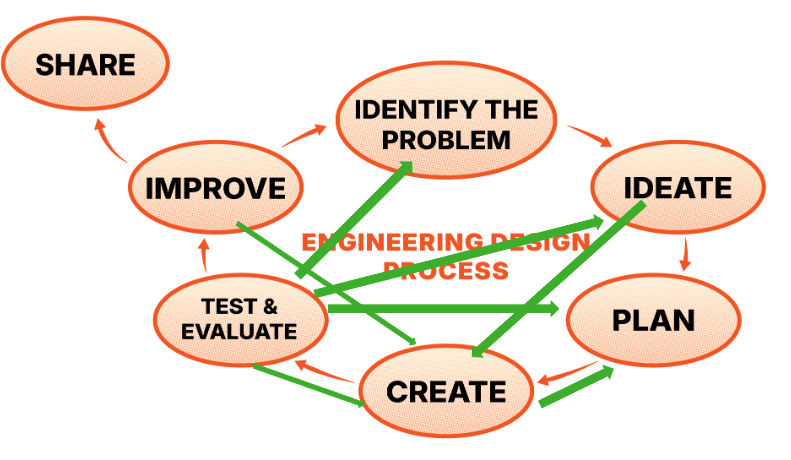
However it can be noted in reality, the process is going to look more like this:
And that's okay!
## Engineering Design Process Steps
Click each step for information on what students will be doing during the step and tips to help them along.
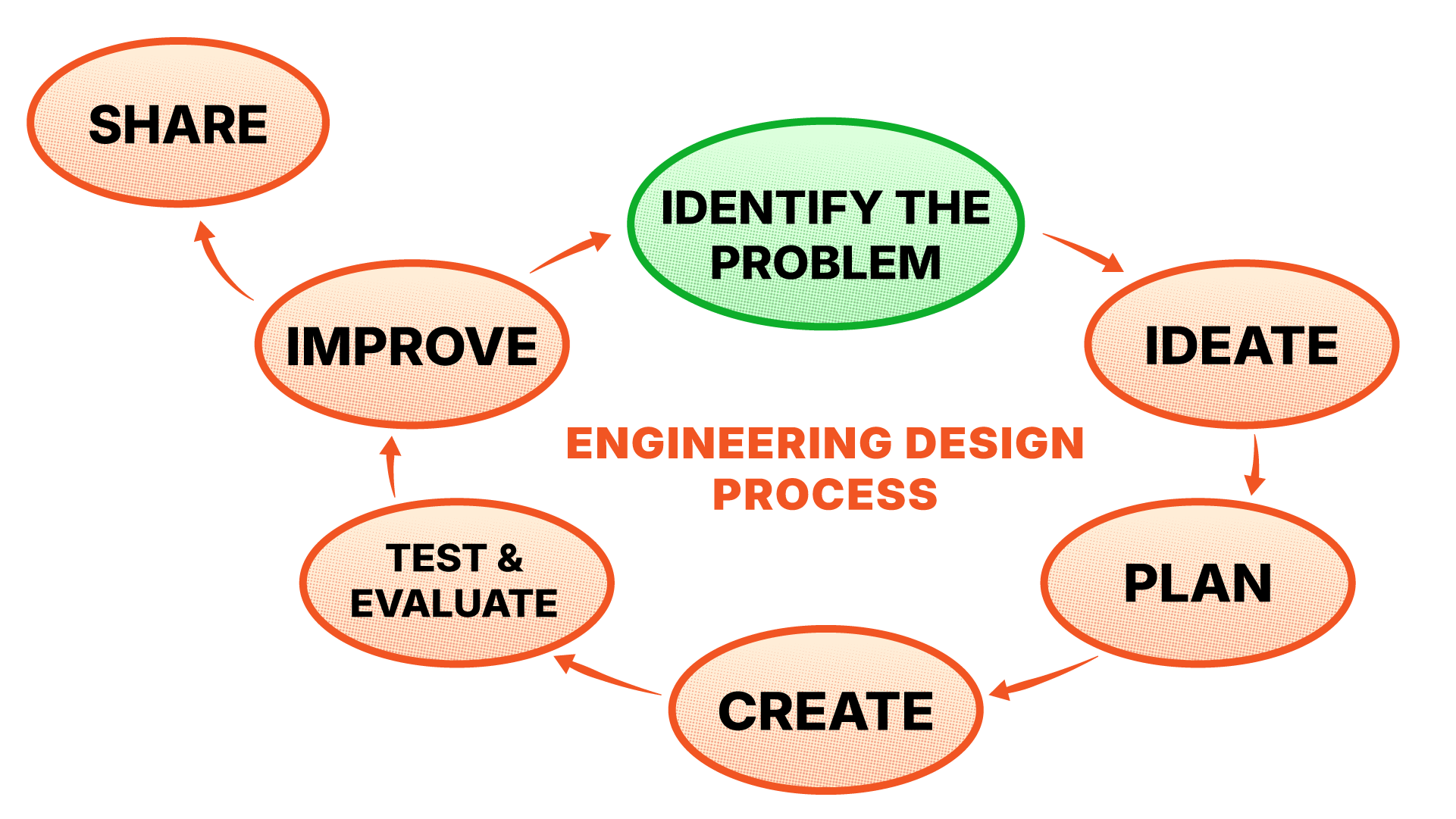
Step 1: Identify the Problem
Before going too far, students need to first consider what problem they are even trying to solve? This may be assigned to them or something they've chosen. Regardless, it should be defined in their own words as a [**problem statement**](#user-content-fn-1)[^1]. From there, they should think about their criteria and constraints.
* **Criteria** is how students will measure that their solution was a success and that all goals were met. Part of this will typically be given to them in the form of a rubric.
* **Constraints** are limitations that effect the solution. This might be things like dimensions, materials, or may also be assigned in part for the project (ex: only 2 motors allowed).
Step 2: Ideate
This step is all about brainstorming. During this phase it's good to encourage the mindset that no idea is "bad". Even wild or unrealistic ideas can become inspiration for a solution!
Ideate is about creating a comfortable environment for open discussion, creativity, and exploration.
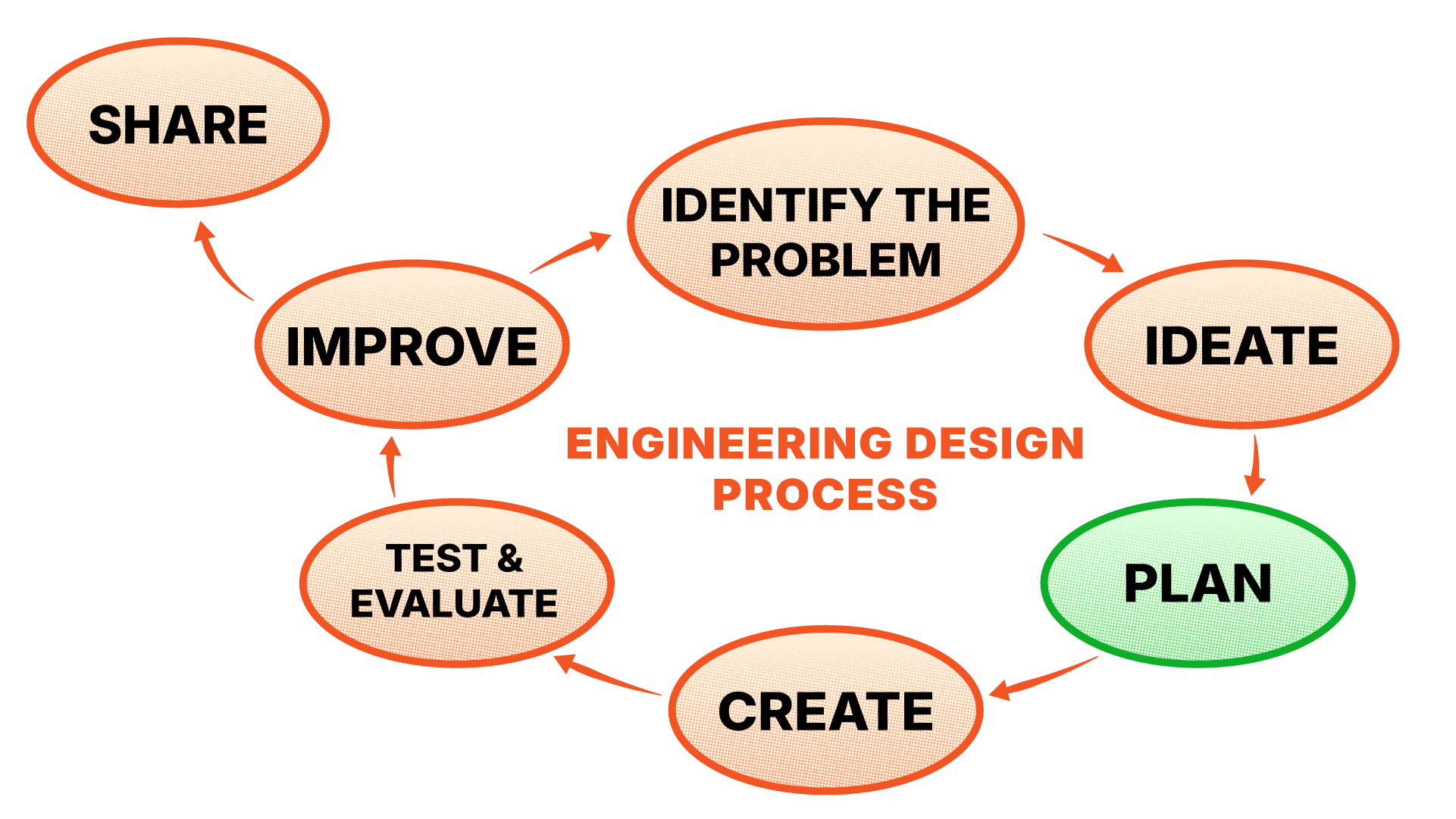
Step 3: Plan
Here all the big ideas are gathered and evaluated until a final plan is set to move forward. This is the step where goals should be set leading into initial sketches and models, as well as plans for needed materials, resources, components, etc.
Depending on the project, this is where things such as dimensions, features, and appearances may be set.
To help with collaboration, groups should also think about who's doing what. For example, who wants to build? Who wants to program? Who wants to try making sketches?
Step 4: Create
As the name suggests, this is the "building" phase of the project. This may include physically or digitally building, programming, designing, as well as making adjustments as parts of the plan may change.
It's not uncommon during this step for there to be need for some change to the initial plan. The important thing is reminding students to document those changes!
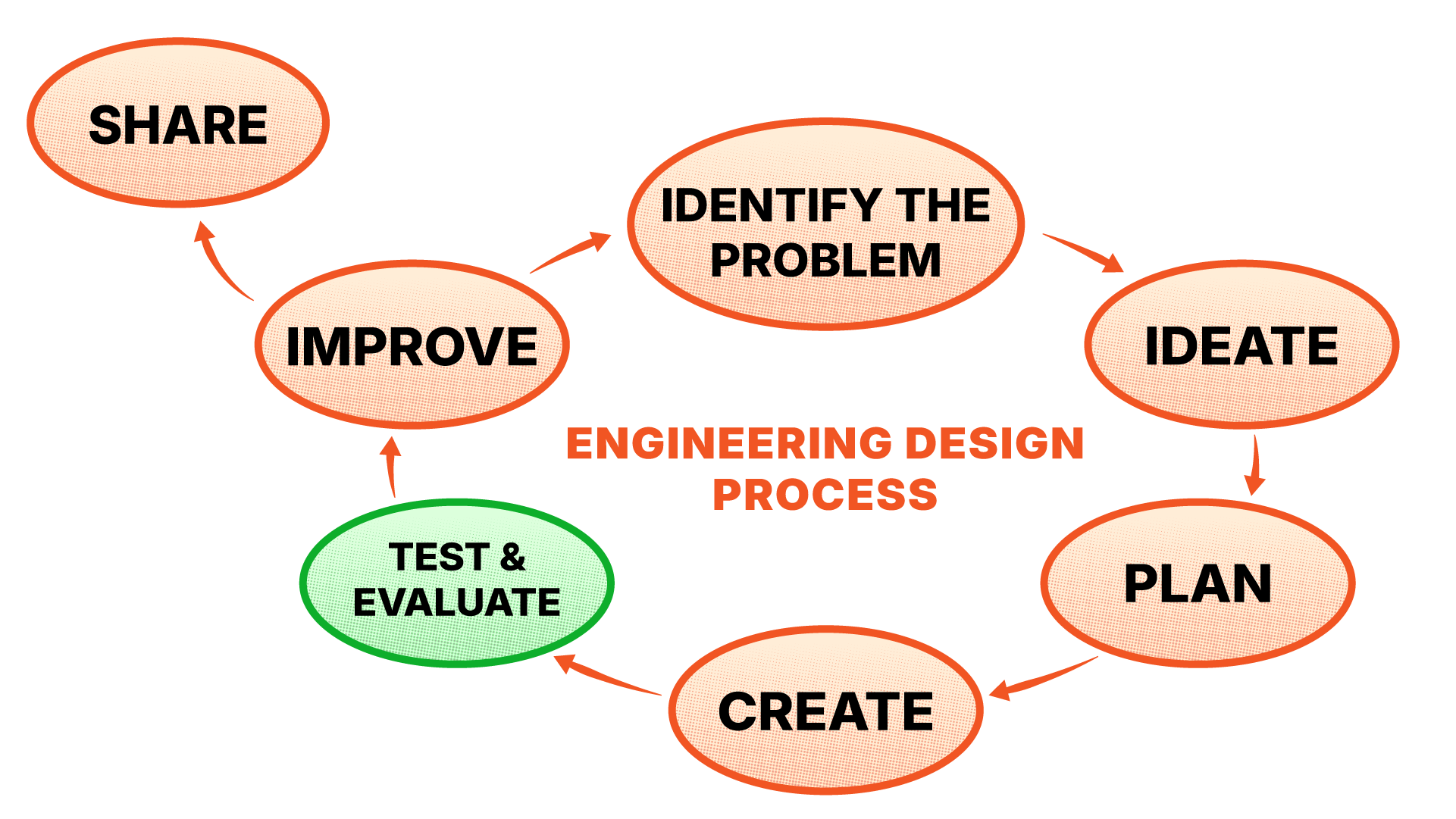
Step 5: Test & Evaluate
Before testing, students should check back over their requirements, whether it be with the rubric or reviewing their constraints. They should not assume all their criteria is met until after testing, even if they have completed testing of individual parts.
Success should be easily repeatable. As students evaluate their testing, encourage them to identify small things to improve on and to focus on one problem at a time.
Step 6: Improve
There is always room for innovation and improvement.
This mindset can be hard to embrace when grades are involved, but encourage students to think about even fun things like decorating or expanding on their design. Or hypothetical "What would you do next/on a larger scale?"
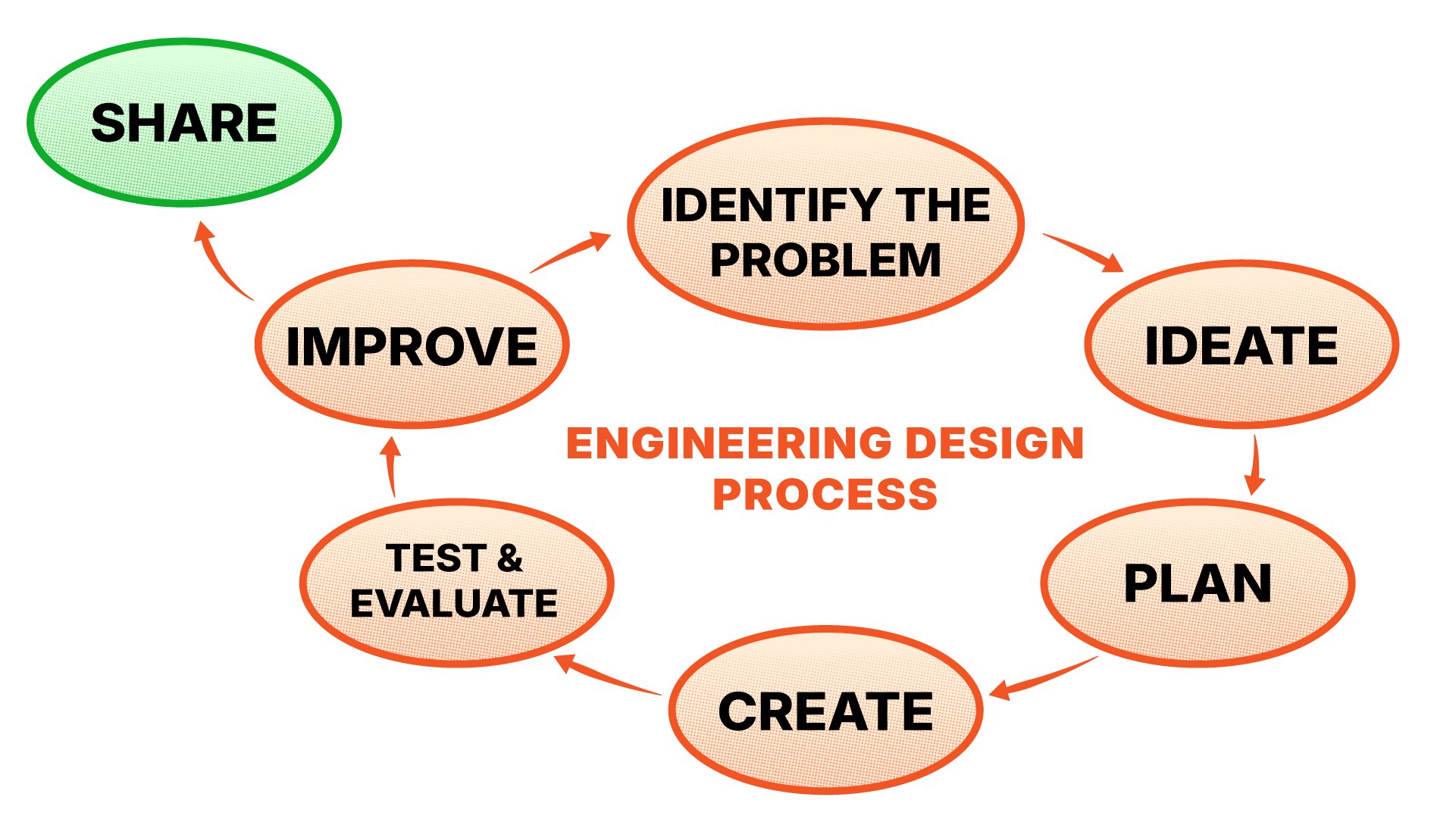
Final Step: Share
A solution kept secret won't solve a problem. Encourage students to share with and learn from each other. This might include having students give brief presentations or watch each other complete a challenge.
Sharing during the earlier steps of the design process is equally important to allow for inspiration. However, if there is concern of students copying each other's work too closely here is a tip: Use a "**patent**" system.
As students have their designs signed off during the planning and creation steps their designs become "patented" by that group. What this means is other groups may take inspiration, but not one-to-one copy their ideas.
If a group is making something too similar, ask them questions on what makes it different and unique. This may range in materials used, to how its programmed, which actuators are used, etc. Encourage them to find their own twist on the idea.
[^1]: A brief description of the issue and goal.